
Thursday, 16 January 2014
How to Upload/Manipulate/Store Photos

Thursday, 9 January 2014
Rule of Thirds


I have cropped this image in Photoshop so that the subject of the image is more in the left and better to look at.
Monday, 9 December 2013
Effects & Filters
This is the unedited version of my photograph.

I then used photoshop to add different effects to this image.
The first is this textured filter called Craquelure
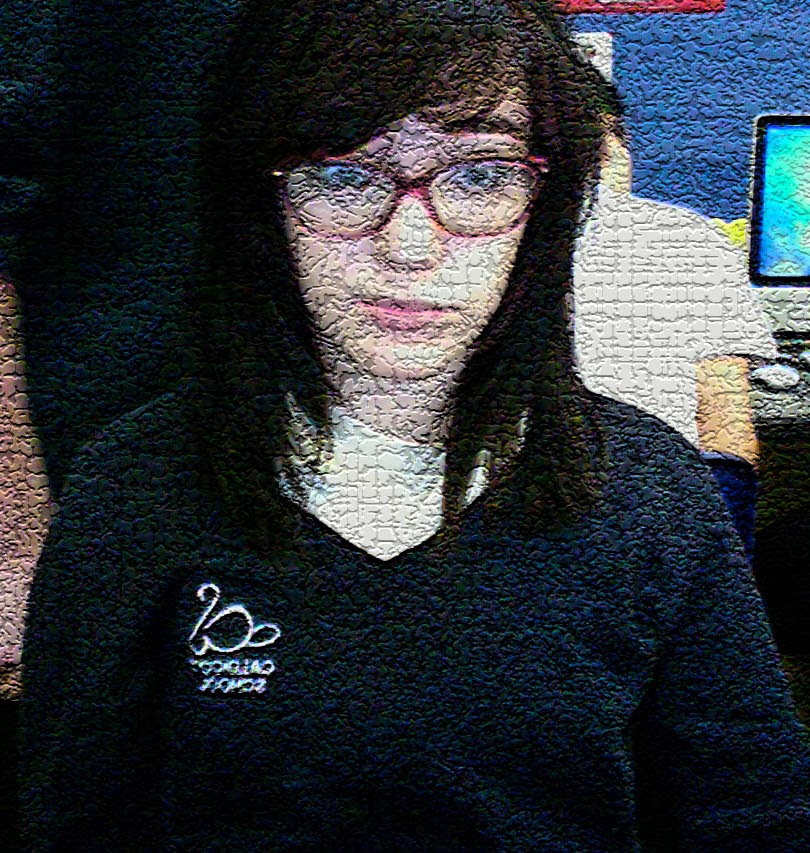
This filter made the image look rough and cracked, adding a harsh texture to it.
The next filter was this filter called Glowing Edges.

This filter brightened and thickened the lines in this photo and made the colours brighter and more contrasted.
The third effect I used was a filter called Stained Glass. I also changed the default settings by increasing the cell size and thickness of the white border.

This filter created lots of thick lines on the photo and brightened the colours.
Thursday, 5 December 2013
Cropping

For the first photo, I took a picture of myself using Photo Booth. Nothing was edited on this photo.

For the second photo, I edited the original picture in Photoshop. I cropped out the distracting surroundings. I think this makes it a better photo.
Monday, 2 December 2013
Lines, Textures, Colours & Patterns
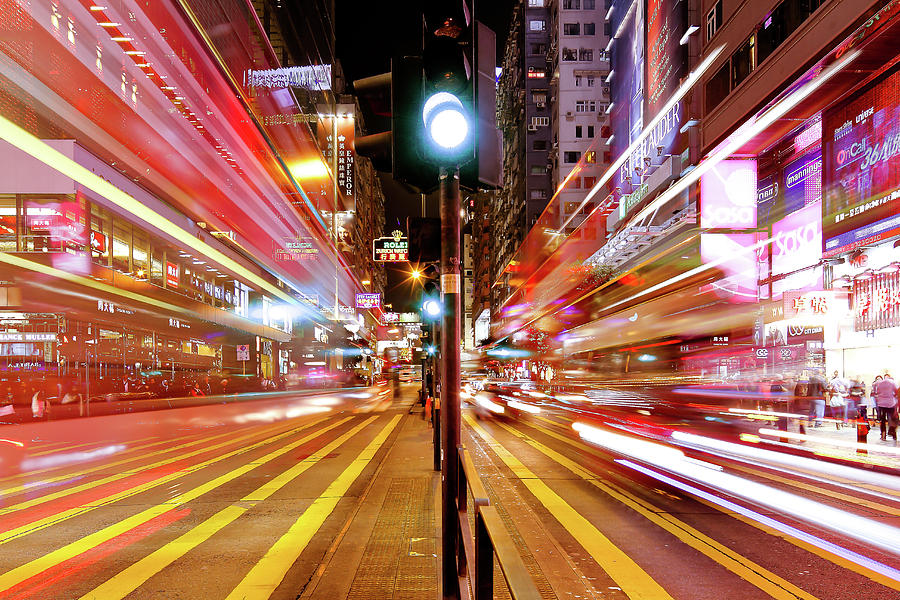
Lines
Lines are used a lot in this image, mostly by the light trails from the long exposure. The light trails show perspective and movement in the image. There are also straight lines from the buildings and road markings that add to the effect of the lights.

Texture
This image shows two different textures. The first is the soft, fluffy texture of the clouds and sky, and then the harsh, tough texture of the rocks and cliff face. I like the two textures in this photo.

Colour
This photo had lots of bold, bright colours in it. The bright purples, blues and yellow contrast the black and white really well and make the photo look vaguely abstract.
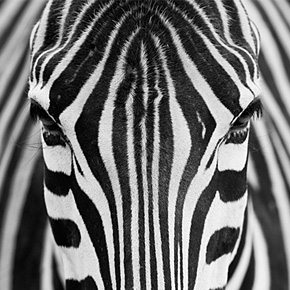
Pattern
This image of a zebra shows patterns in nature well. The striped pattern is continuous throughout the photo and is almost entirely symmetrical. This makes a very interesting photo.
Thursday, 28 November 2013
Professional Photography

Professional Photography

Subscribe to:
Posts (Atom)